Update: 22 October 2026 (Published: 22 October 2026)
•
10 min.
Apple unveiled the iPhone 18 Pro and iPhone 18 Pro Max on September 9, 2026. Then came its first foldable, the iPhone Duo, available to order since October 16. With this new lineup, the iPhone 18 eSIM becomes a key topic. In 12 countries, including the United States, Canada and Japan, the Pro models have no SIM tray at all.
So what changes for you? This guide presents the new models and the markets where the iPhone 18 is eSIM only. It also explains how to set up your eSIM, step by step. Finally, we compare the best travel eSIMs for your new iPhone.
What you need to know about the iPhone 18 and eSIM
iPhone 18: what Apple unveiled in 2026
This year, Apple is splitting its launch in two. The premium models arrived in the fall, while the standard iPhone 18 will follow later.
iPhone 18 Pro and iPhone 18 Pro Max
The iPhone 18 Pro (6.3-inch screen) and the iPhone 18 Pro Max (6.9-inch screen) have been on sale since September 18, 2026. In France, they start at €1,479 and €1,629. In the United States, they cost $1,199 and $1,299.
Both models run on the new A20 Pro chip, up to 40% faster than the A19 Pro, with 12 GB of RAM. They also bring the first iPhone camera with a variable aperture. In addition, Apple’s own C2 modem handles 5G on most models. The phones also offer satellite features. Colors include Burgundy, Glacier, Silver and Black, with storage from 256 GB to 2 TB.
iPhone Duo: Apple’s first foldable
The big news of 2026 is the iPhone Duo, Apple’s first foldable iPhone. It has a 7.6-inch inner screen and a 5.4-inch outer screen. It also uses the A20 Pro chip. Preorders opened on October 16, and deliveries start on October 23. It costs €2,339 in France and $1,999 in the United States.
Above all, the iPhone Duo is eSIM only in every country, including France. Apple did not include any SIM tray in this thin, folding design.
What about the standard iPhone 18?
The standard iPhone 18 is not out yet. According to MacRumors, Apple plans to release it in spring 2027, along with an iPhone 18e. Apple has not yet confirmed its SIM setup by country.
iPhone 18 Pro, Pro Max and Duo: comparison table
Model
Screen
Price (France)
Price (US)
SIM in France
SIM in the 12 eSIM-only countries
iPhone 18 Pro
6.3 inches
From €1,479
From $1,199
Nano-SIM + eSIM
eSIM only
iPhone 18 Pro Max
6.9 inches
From €1,629
From $1,299
Nano-SIM + eSIM
eSIM only
iPhone Duo
7.6 inches (inner), 5.4 inches (outer)
From €2,339
From $1,999
eSIM only
eSIM only
Starting prices for the 256 GB version. The standard iPhone 18 is not in the table yet, since Apple has not announced it.
It depends on where you buy it. Apple sells two versions of the iPhone 18 Pro and Pro Max. One is eSIM only, while the other keeps a nano-SIM tray in addition to the eSIM.
The 12 countries where the iPhone 18 Pro is eSIM only
According to MacRumors, the iPhone 18 Pro and iPhone 18 Pro Max have no SIM tray in these markets:
North America: United States, Canada and Mexico
Asia: Japan
Middle East: Saudi Arabia, United Arab Emirates, Qatar, Kuwait, Bahrain and Oman
US territories: Guam and the US Virgin Islands
This list is the same as for the iPhone 17 Pro in 2025. In fact, the United States has sold eSIM-only iPhones since the iPhone 14, so American users are already used to it.
France and Europe: nano-SIM and eSIM
In France and the rest of Europe, the iPhone 18 Pro keeps a nano-SIM tray plus eSIM. The same goes for the United Kingdom, Australia, Singapore and South Korea. As a result, you can still use a physical SIM card if your carrier requires it.
China is a special case. There, Apple sells models with two nano-SIM slots, with a nano-SIM plus an eSIM, or with dual eSIM.
Why Apple is removing the SIM tray
There are three main reasons. First, a thief cannot remove an eSIM from a lost or stolen phone. Second, the space saved goes to the battery, so eSIM-only models get a slightly larger one. Finally, you can install a plan in minutes, without going to a store.
For reference, the battery reaches 4,056 mAh on the Pro and 5,391 mAh on the Pro Max with a SIM tray, according to EU labels.
If you still have doubts, we invite you to check out our guide on
Maya offers some of the cheapest plans in our comparisons, in many destinations. Unlimited data plans are also available. Finally, you can set up the eSIM in a few minutes from the app.
Roamify has some of the most affordable unlimited plans in our comparisons, in more than 200 destinations. Some plans also include texts. Enter the code SEEK5 at checkout to get 5% off.
Nomad offers flexible plans, often valid for 30 days, as well as regional plans. As a result, you can extend your trip without buying a new plan. Moreover, the app is clear and top-ups take seconds.
Ubigi, from the Transatel group, offers fixed and unlimited data plans in many countries. Setup takes just a few minutes in the app. It is a reliable choice for business trips.
Airhub stands out with plans that include calls, texts and a local phone number in some destinations, such as the United States (+1). It is handy to book a restaurant or receive a verification code.
Saily, launched by the team behind NordVPN, has one of the easiest apps to use on iPhone. It also includes security features such as an ad blocker and a virtual location. Enter the code Special5 at checkout to get 5% off.
Orbit Mobile, a UK-based provider, offers local, regional and global data plans in more than 190 destinations. Its regional and global plans stay valid for up to one year, and you can top up before your data runs out. Enter the code ESIMSEEKER20 at checkout to get 20% off.
Apple offers several ways to add an eSIM, depending on your situation. The steps below apply to the iPhone 18 Pro, iPhone 18 Pro Max and iPhone Duo with iOS 27. They follow Apple’s official guide.
Before you start
A Wi-Fi connection or mobile data
An unlocked iPhone 18, if your eSIM comes from another provider
Your QR code, your activation details or your provider’s app
Method 1: transfer your eSIM from your old iPhone
This is the easiest option when you change phones. With eSIM Quick Transfer, your line moves from your old iPhone to the new one:
Keep your old iPhone nearby, unlocked, with Bluetooth on
On your iPhone 18, go to Settings > Cellular
Tap Set Up Cellular or Add eSIM
Choose Transfer From Nearby iPhone
Confirm on your old iPhone, then follow the instructions
Some carriers link the eSIM to your iPhone when you buy it. In this case, a notification appears: Carrier Cellular Plan Ready to Be Installed. Tap it, then tap Continue. Otherwise, go to Settings > Cellular and select the plan.
Method 3: scan a QR code
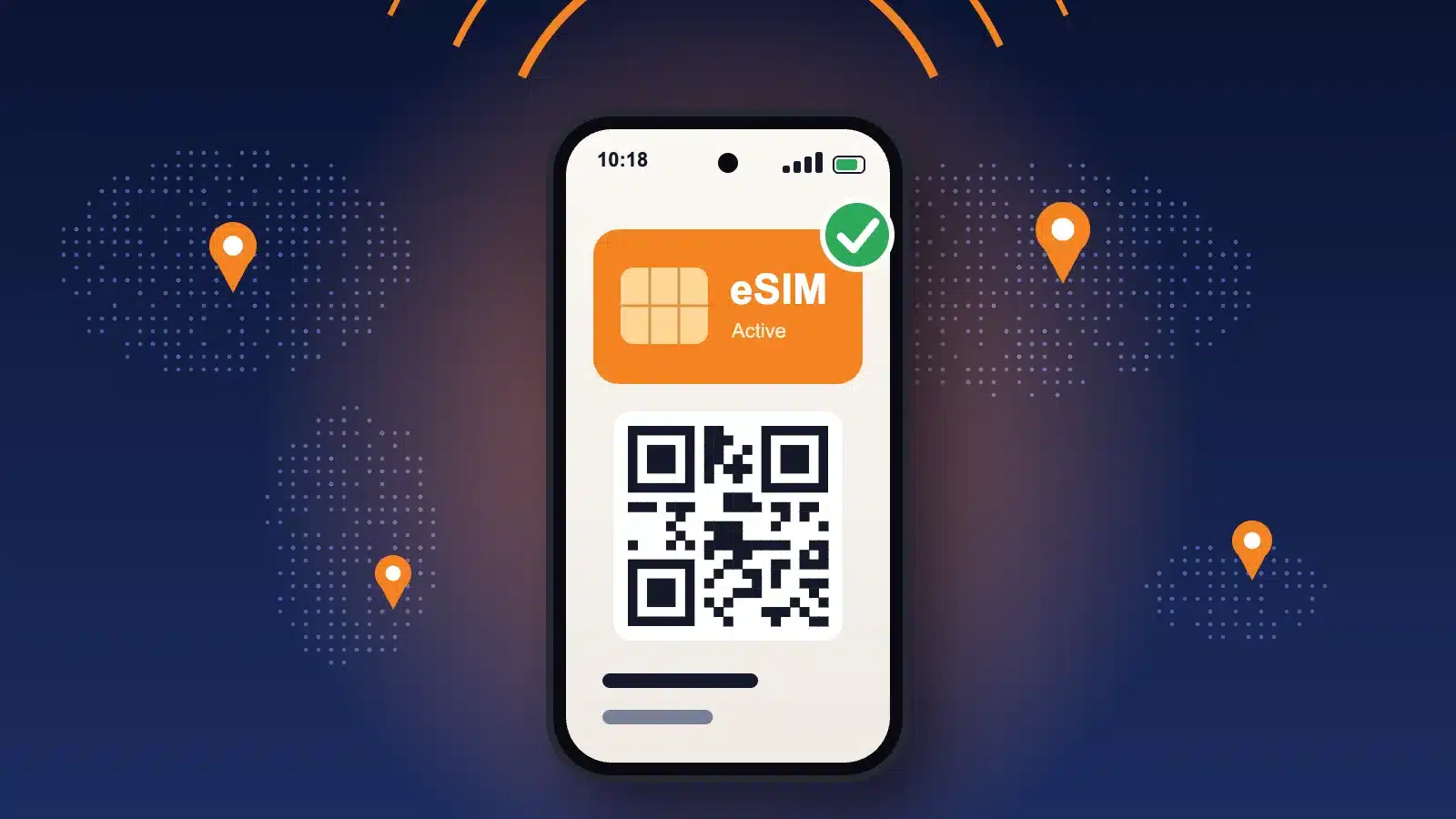
This is the most common method for travel eSIMs. Your provider sends you a QR code by email or in its app.
Go to Settings > Cellular
Tap Add eSIM, then Use QR Code
Scan the code with the camera of your iPhone 18
Select Continue, then Add Cellular Plan
Give your new line a name, for example Travel
Since iOS 17.4, you can also touch and hold a QR code in an email or image. Then simply tap Add eSIM.
Method 4: enter the details manually
If the scan does not work, tap Add eSIM, then Use QR Code and Enter Details Manually. Then type the SM-DP+ address and the activation code sent by your provider.
Method 5: install from your provider’s app
Many travel eSIM apps now offer one-tap installation on iPhone. You buy your plan in the app, tap the install button and confirm. It is fast, and you do not need a second screen to display the QR code.
Turn on your travel eSIM when you land
Once installed, go to Settings > Cellular and select your travel eSIM. Turn on the line and enable Data Roaming. Then choose it under Cellular Data, so your personal line does not use data abroad.
If you still have doubts, we invite you to check out our guide on
What to know before using an eSIM on your iPhone 18
Make sure your iPhone 18 is unlocked
Your iPhone must be unlocked to install an eSIM from another provider. Apple usually sells its iPhones without any carrier lock. If you bought yours with a carrier contract, check with your carrier before you leave.
How many eSIMs can the iPhone 18 store?
The iPhone 18 can store eight or more eSIMs and use two lines at the same time. So you can keep your personal number and add one plan per destination. Then you switch between them in a few taps.
If you still have doubts, we invite you to check out our guide on
Buying an iPhone 18 in the USA or Japan: be careful
An iPhone 18 Pro from the United States or Japan has no SIM tray. Back home, you will therefore need to switch your line to eSIM. Most major European carriers offer it, but check first. Our guide explains how to convert a physical SIM card to an eSIM.
iPhone 18 eSIM: frequently asked questions
Does the iPhone 18 have a SIM card slot?
It depends on the model and the country. In France and Europe, the iPhone 18 Pro and Pro Max have a nano-SIM slot. In the 12 eSIM-only markets, they do not. As for the iPhone Duo, it has no SIM slot anywhere.
Does the iPhone 18 work with travel eSIMs?
Yes. Every iPhone 18 model supports travel eSIMs, as long as it is unlocked. We compare offers from more than 50 providers on esimseeker.com, so you can find the right plan for each trip.
What happens if you delete your eSIM?
Deleting an eSIM removes the plan from your iPhone. With a travel eSIM, you often cannot reinstall it with the same QR code. Before you do anything, read our guide: What happens if I delete an eSIM?
Which other iPhones support eSIM?
All iPhones since the iPhone XS and XR support eSIM. For an older model, read our article on the iPhone 16 Pro and eSIM.
At esimseeker, we believe the eSIM is the smartest way to stay connected while traveling. With the iPhone 18, it is now the standard in many countries.









 United States